Product description:
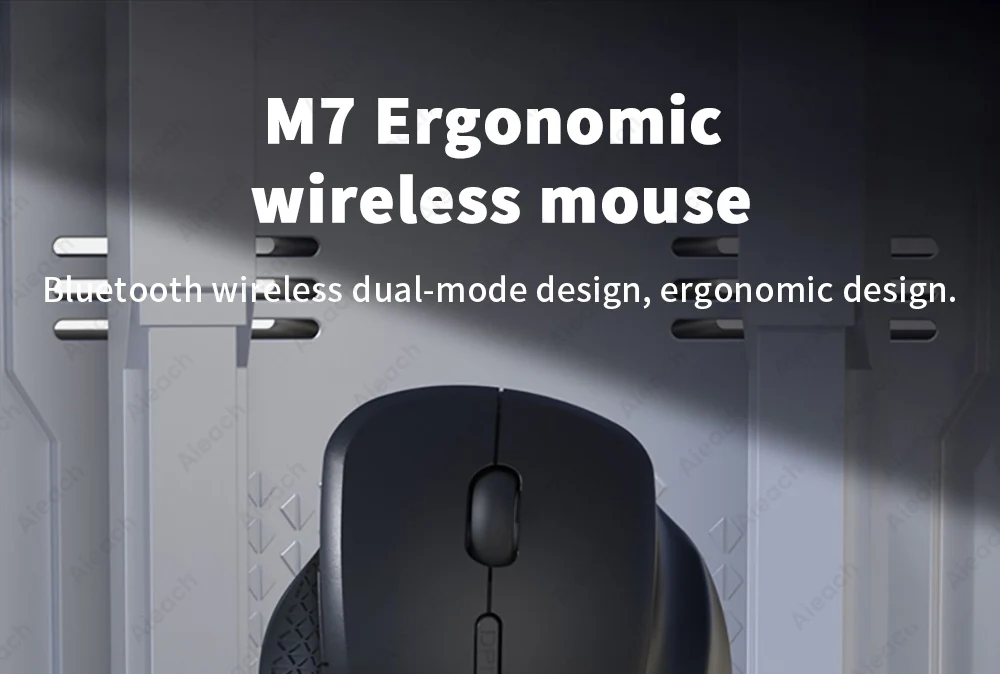
Name: M7 Ergonomic wireless mouse
Compatible Devices: Smartphones, Tablets, Laptop with Bluetooth functionality
Product Weight:≈88g
Product function: Make device work more easy
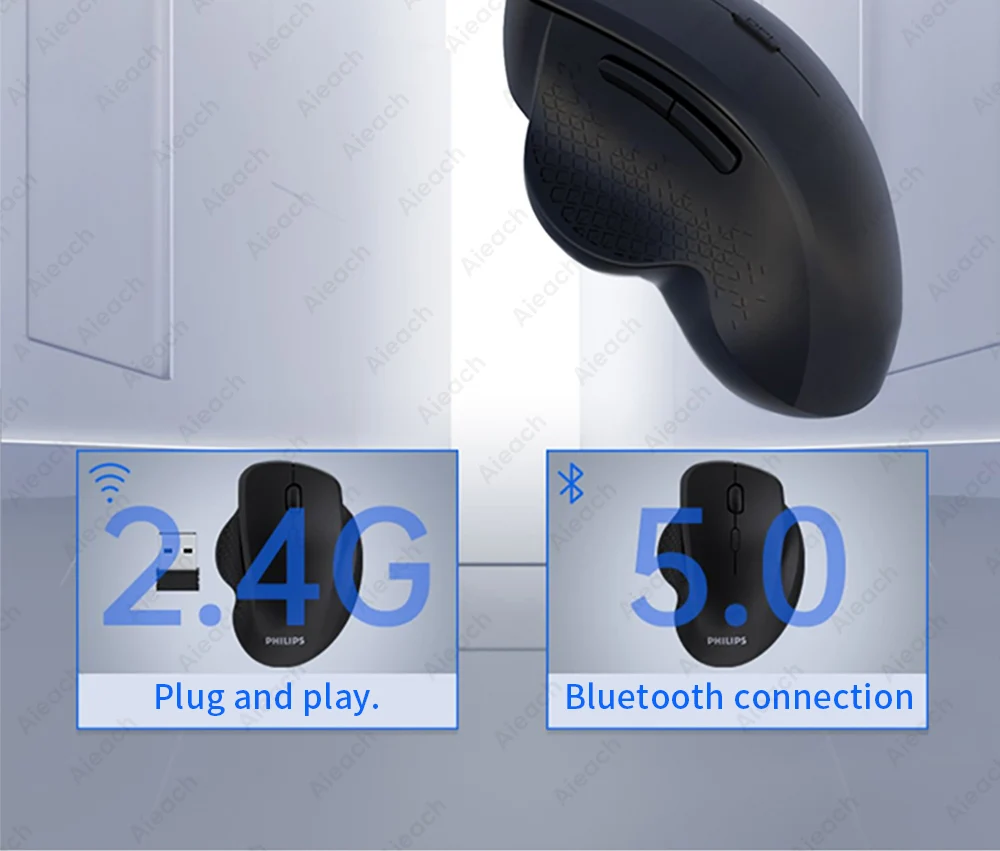
Function 1: Bluetooth connection/2.4G mode
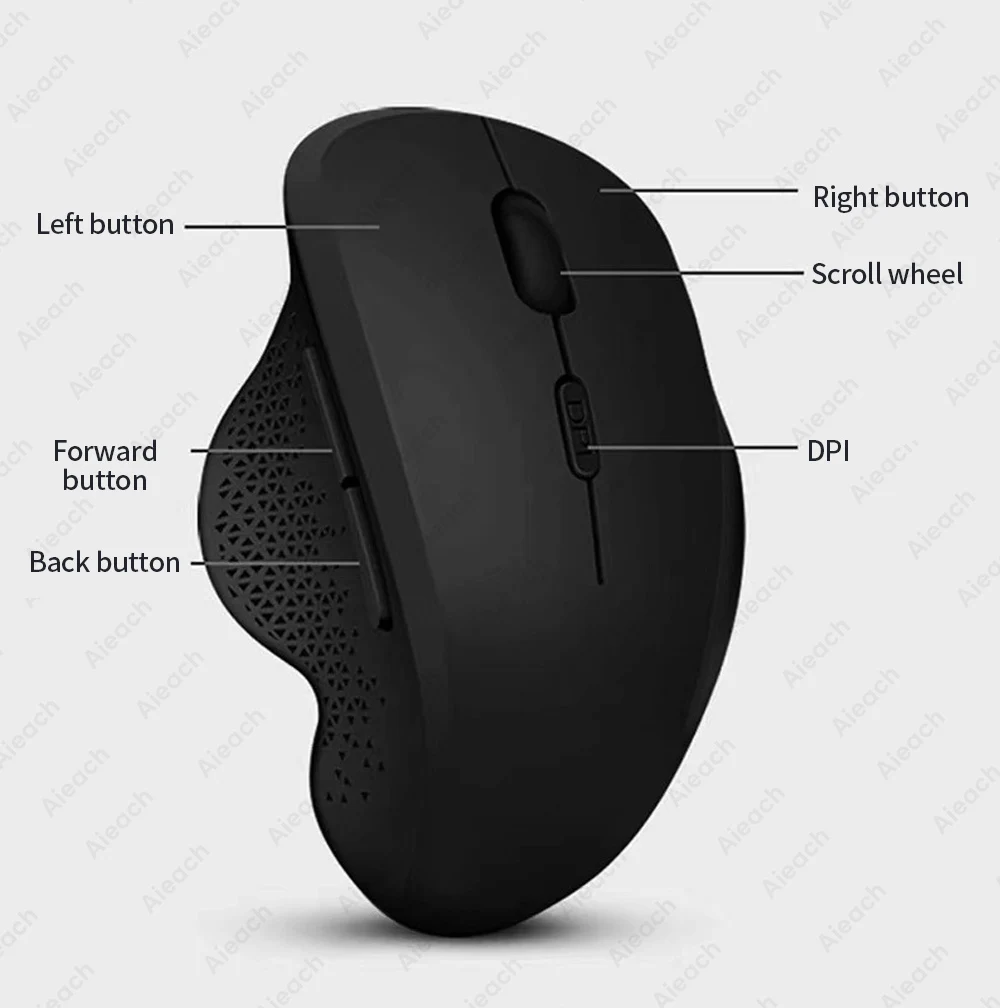
Function 2: 6-key layout
Function 3: 3 Level DPI adjustable
Function 4: Rechargeable
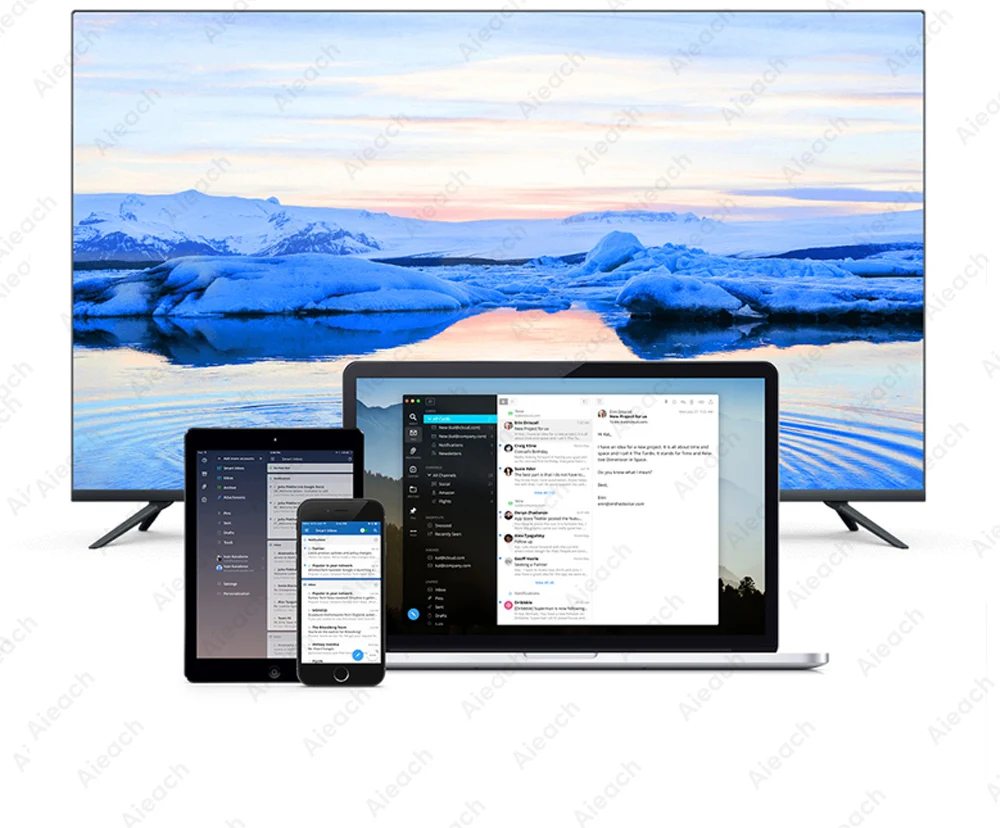
Function 5: Suitable for various devices
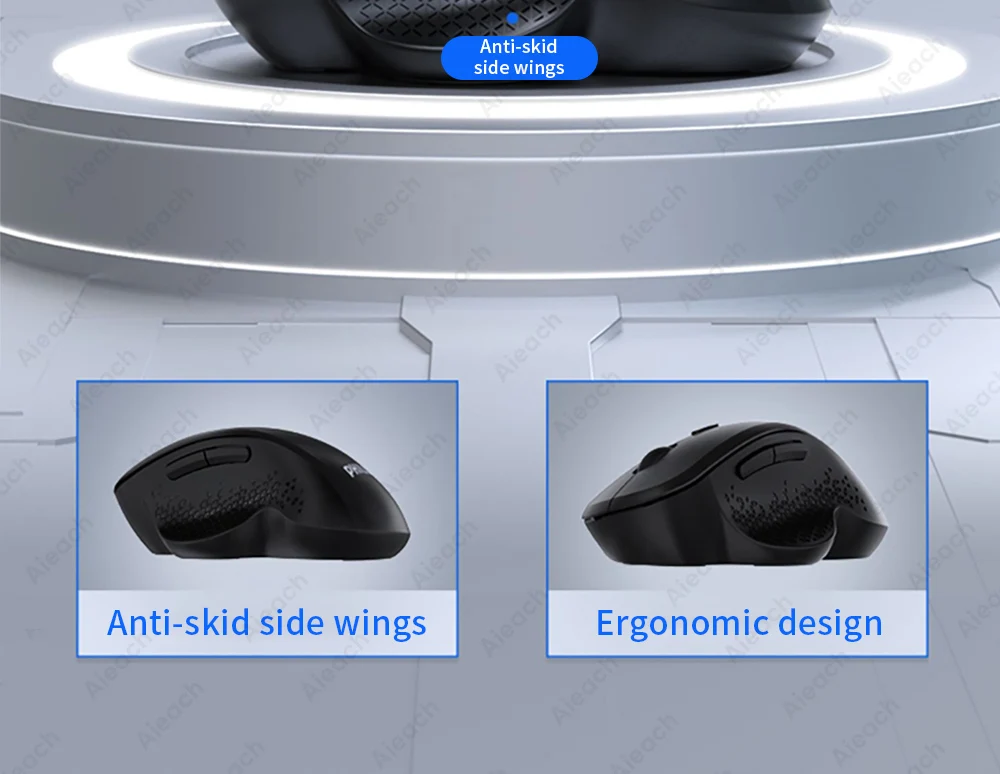
Function 6: Ergonomic inner arc groove design
We support wholesale and drop shipping, contact us for preferential prices.M7 Ergonomic wireless mouse
Bluetooth wireless dual-mode design, ergonomic design.
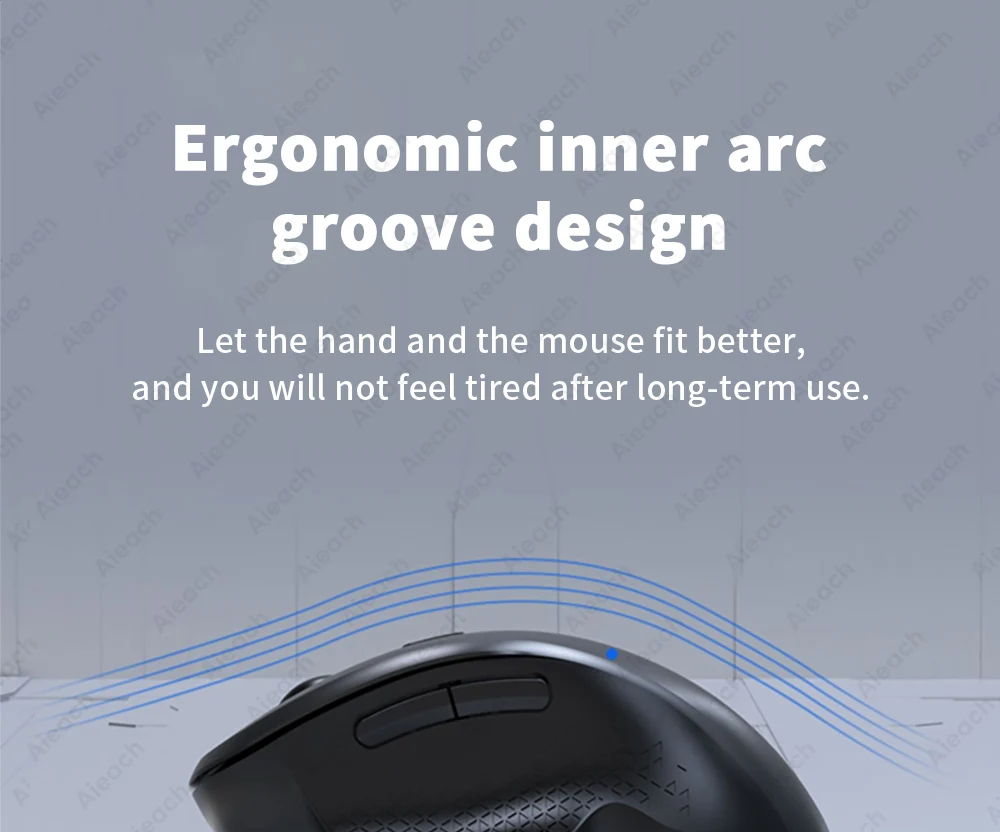
Ergonomic inner arc groove design
Let the hand and the mouse fit better, and you will not feel tired after long-term use.
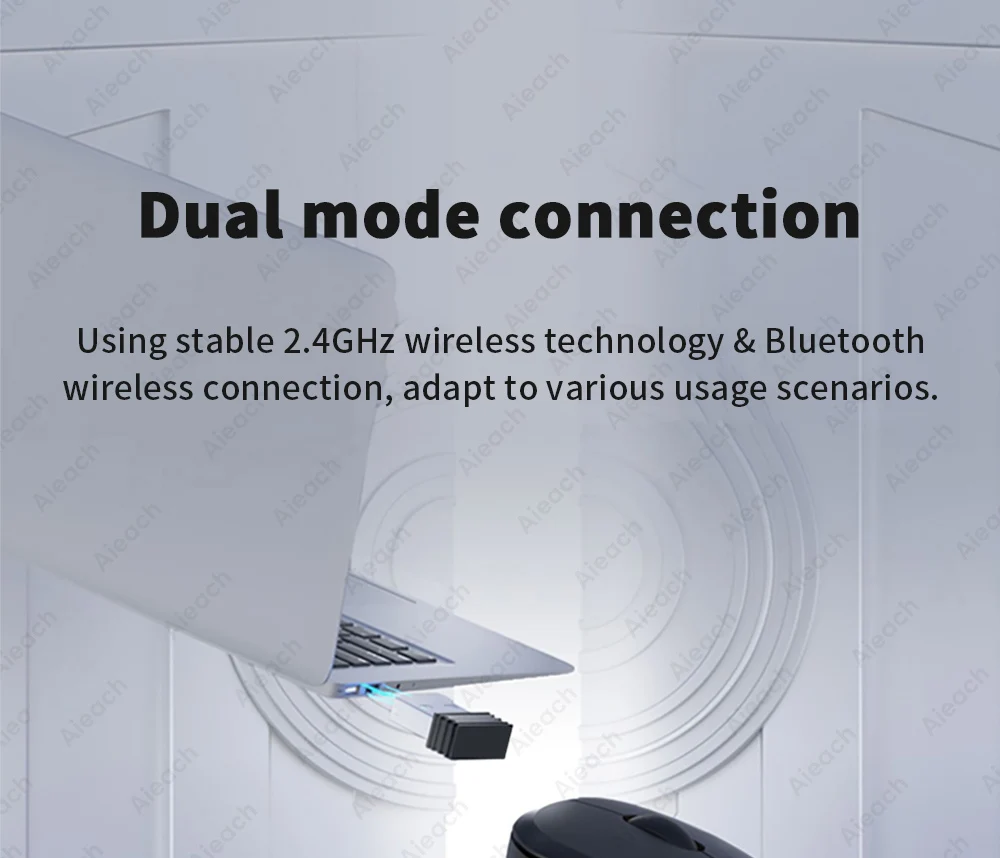
Dual mode connection
Using stable 2.4GHz wireless technology & Bluetooth wireless connection, adapt to various usage scenarios.
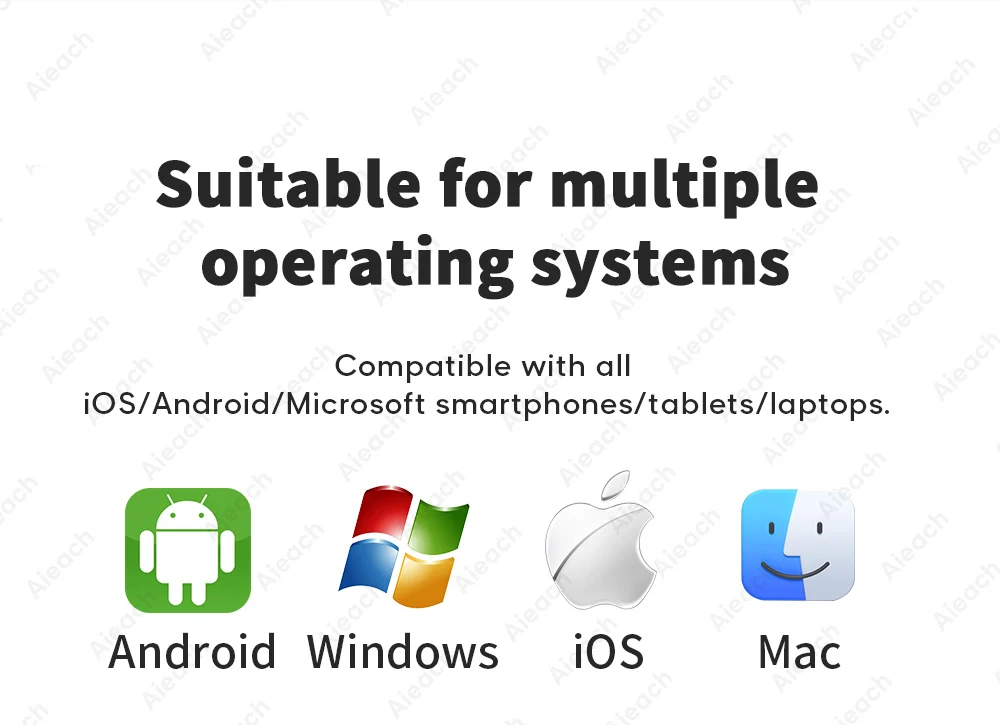
Suitable for multiple operating systems.
Compatible with all iOS/Android/Microsoft smartphones/tablets/laptops.
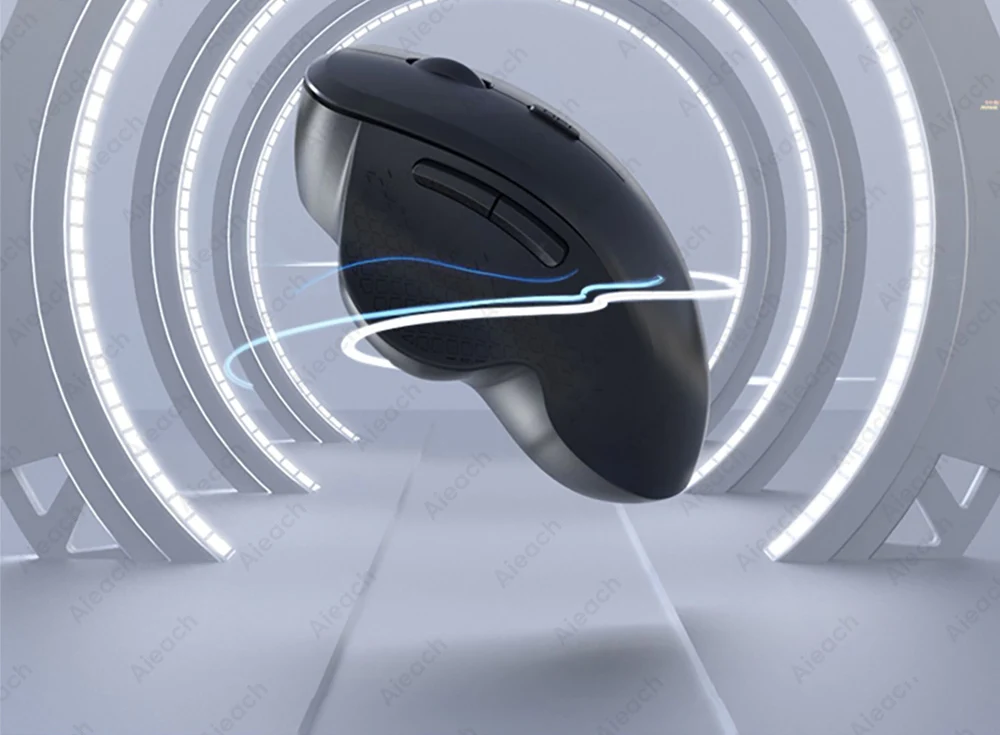
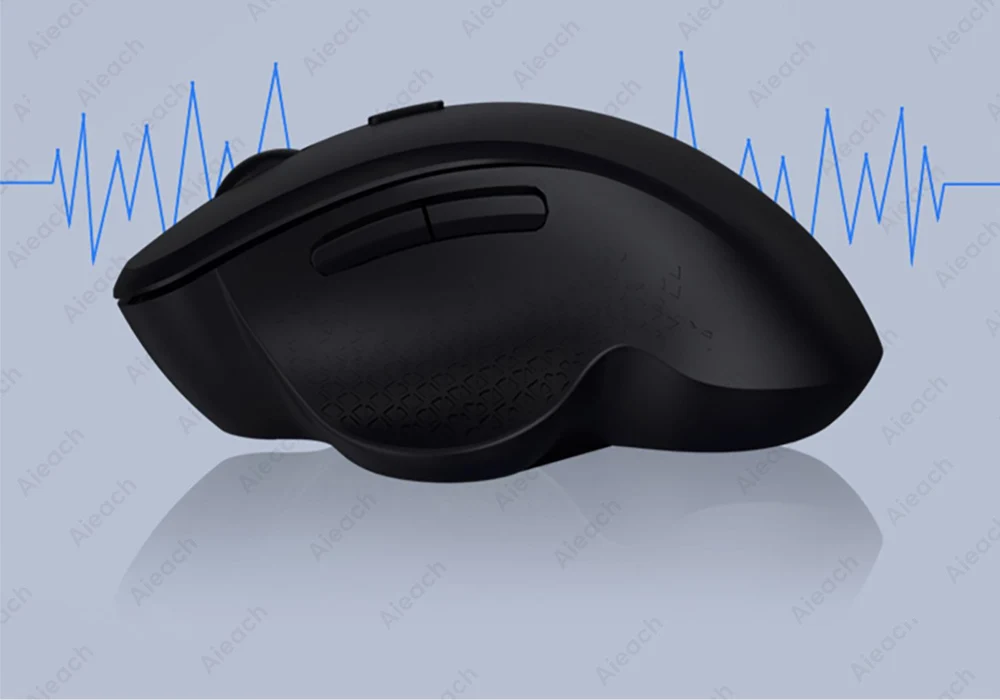
Reliable wireless transmission.
Advanced wireless transmission technology, encrypted connection with devices, reliable wireless connection with almost no interference & frame drop.
1600 DPI adjustment
800-1200-1600 three-stage DPI switching, accurate positioning without frame drop, sensitive response and smooth operation.
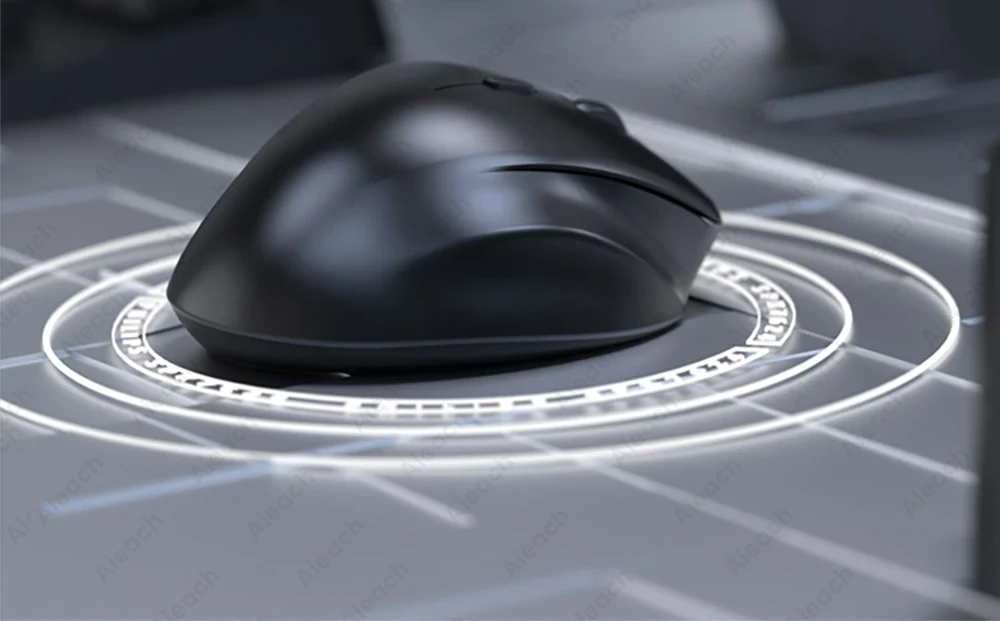
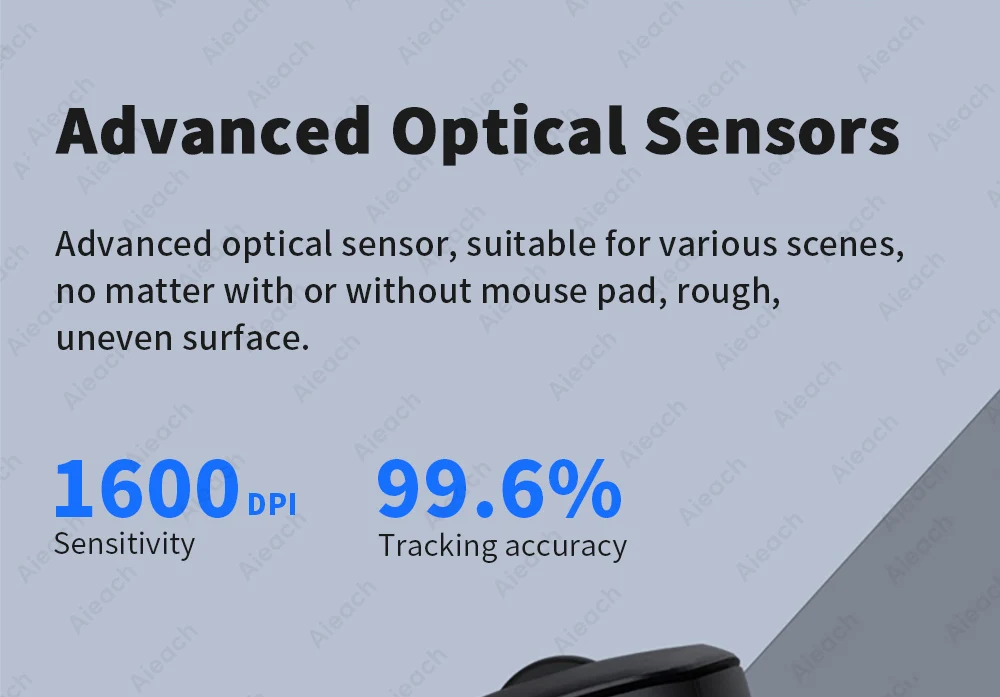
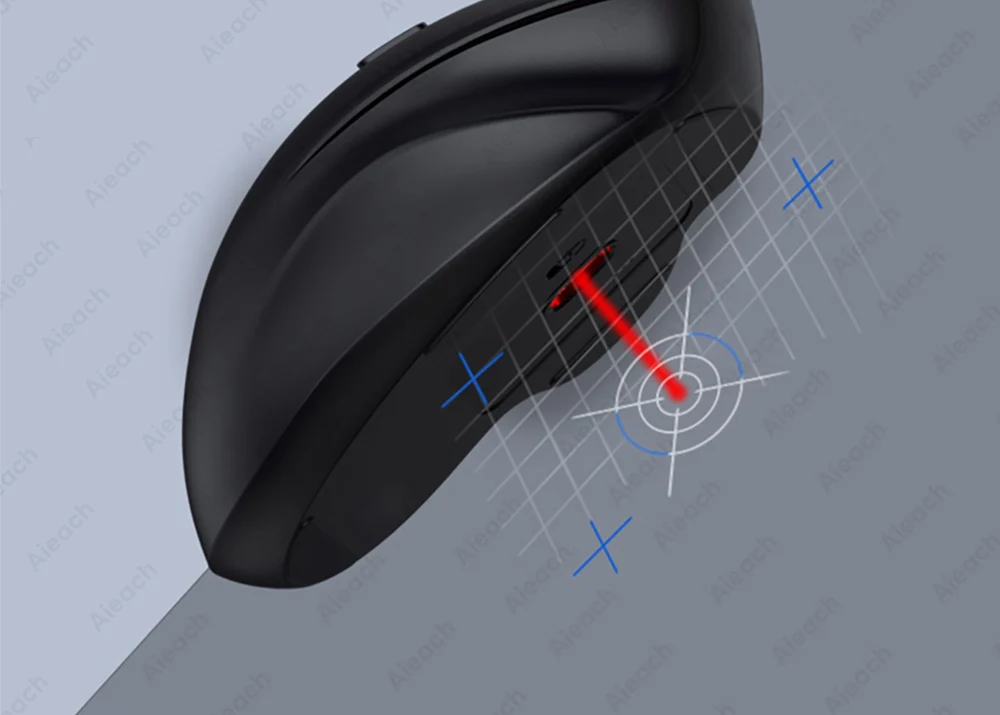
Advanced Optical Sensors
Advanced optical sensor, suitable for various scenes, no matter with or without mouse pad, rough, uneven surface.
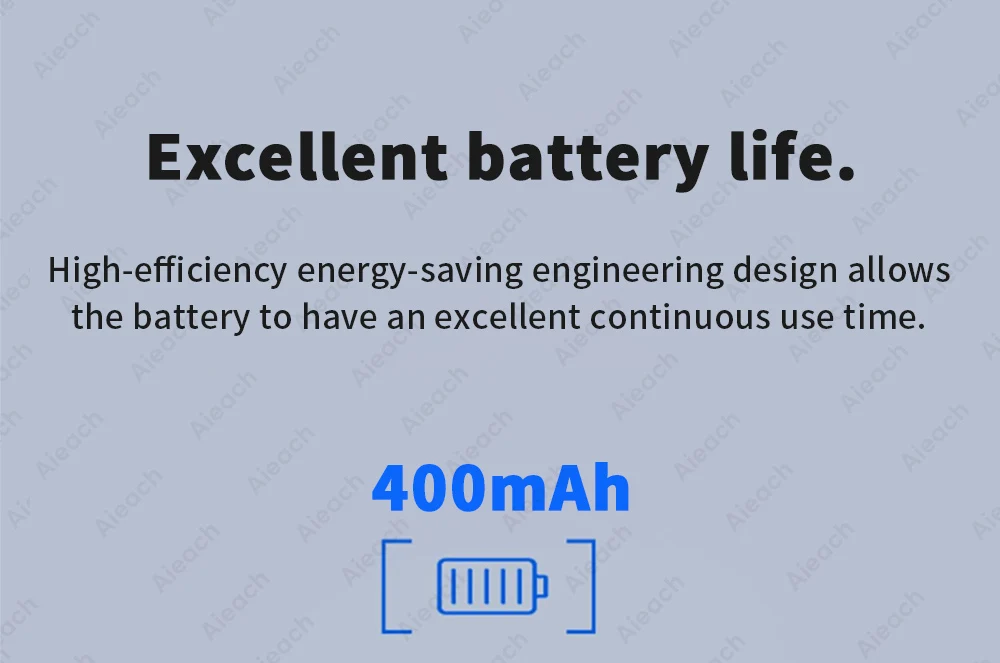
Excellent battery life.
High-efficiency energy-saving engineering design allows the battery to have an excellent continuous use time.
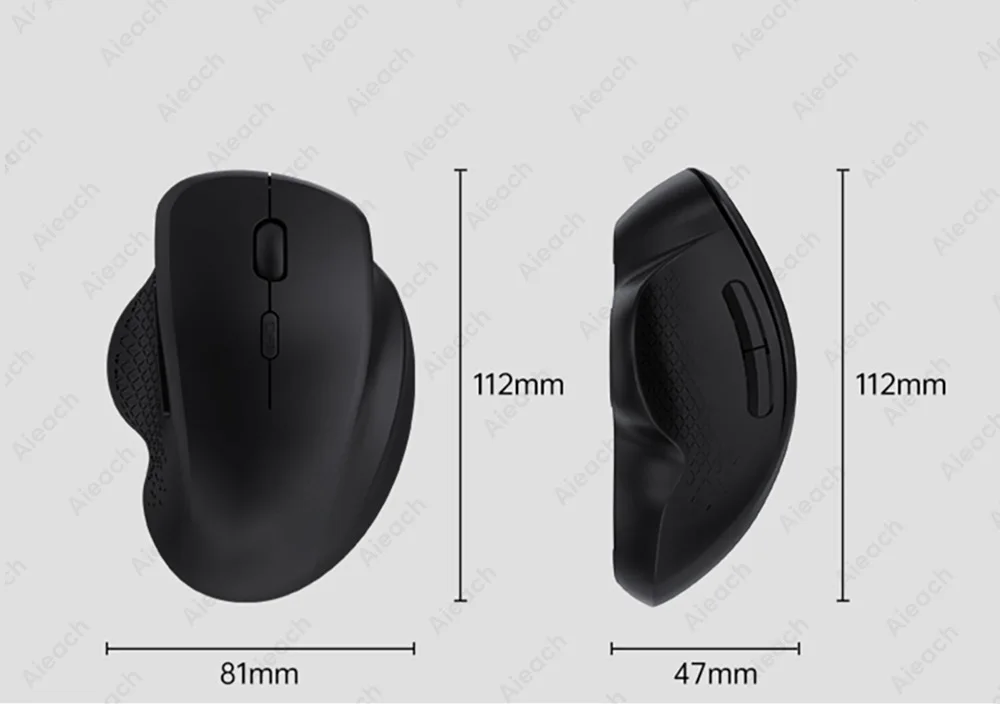
Product parameters:
FAQ
Q: How many devices can the mouse be connected to at the same time?
A: Bluetooth mode (1 devices),2.4G USB mode (1 device).
Q: How to connect and switch bluetooth connection or usb receiver?
① Turn on the back switch to "ON".
② Press the "red" button on the back, the blue light flashes for the Bluetooth mode, and the green light flashes for the USB receiver.
③ For Bluetooth mode, find "BT Mouse 5.2 or 3.0" in the Bluetooth list and connect it.
④ Receiver mode, insert the USB into the USB port of the computer, wait for about 15 seconds, and then it can be used.
(Note: If BT Mouse is not displayed in Bluetooth mode, please press and hold the "red" button on the back for 3-5 seconds until BT Mouse is displayed.)
⑤ Use the Bluetooth & USB receiver link at the same time, and press the "red" button on the back to switch freely between the two modes.Q: What should I pay attention to when using a mouse in iOS system?
A: Upgrade IOS system above 13.0.